GENOS 2 YAMAHA Tous nos Styles sont compatibles avec ce nouveau Modèle
Bienvenue sur Musicman5712
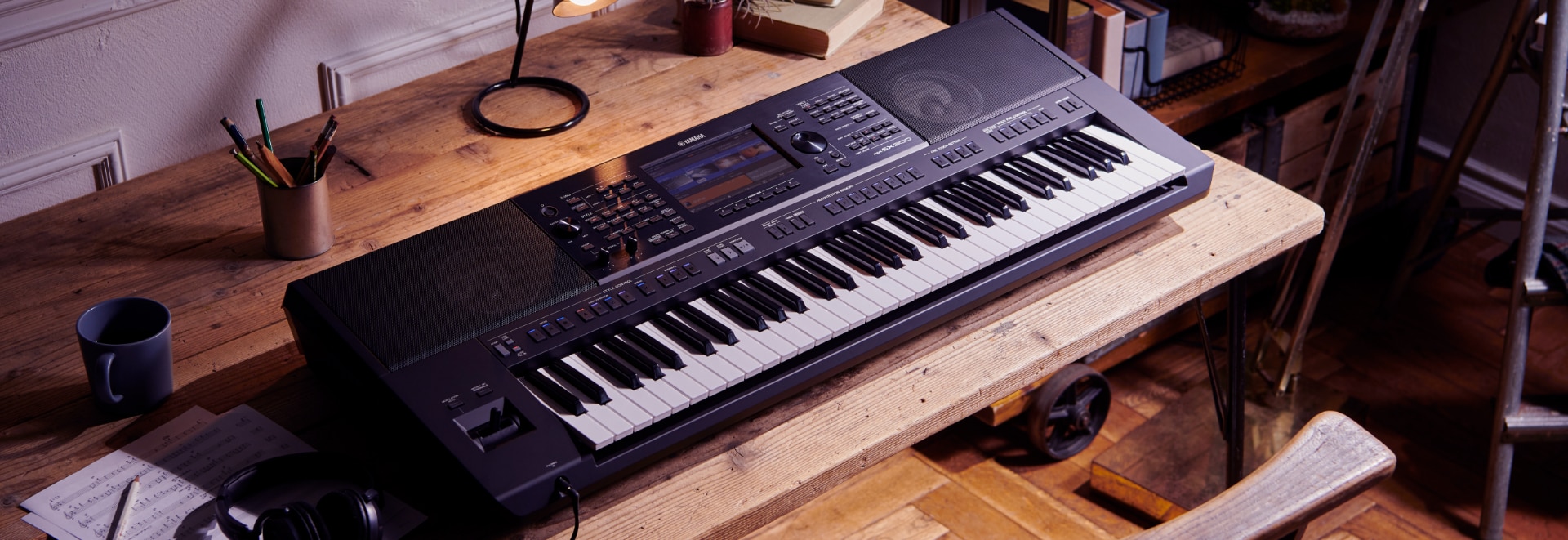
Musicman5712 est spécialisé dans la création de styles pour les Arrangeurs YAMAHA Genos, Tyros, Psr, Cvp, ainsi que pour les modèles ROLAND BK, KETRON SD, MEDELI et KETRON EVENT. Depuis 2009, nous nous efforçons de fournir des styles uniques et de qualité pour les passionnés de musique et les musiciens professionnels. Grâce à notre expertise et notre expérience dans ce domaine, nous sommes fiers d'offrir un large éventail de styles musicaux pour répondre aux besoins et aux préférences de chacun. Que vous soyez à la recherche de styles traditionnels ou contemporains, notre équipe talentueuse est là pour vous offrir des solutions personnalisées qui stimuleront votre créativité musicale. Rejoignez-nous sur Musicman5712 et découvrez l'inspiration musicale à son meilleur!
Paiement Sécurisé

Spécialiste clavier
Depuis 2009
Genos-Tyros - PSR & Clavinova CVP YAMAHA - et claviers KORG - KETRON - ROLAND
Avis
Nous contacter
Tél:
06.87.14.48.11
Du Lundi-Vendredi : 9h-12h & 14 h-15h00